Origin
Selecting on the web has been around for a long time, and there are plenty of extensions out there. So why build another one?
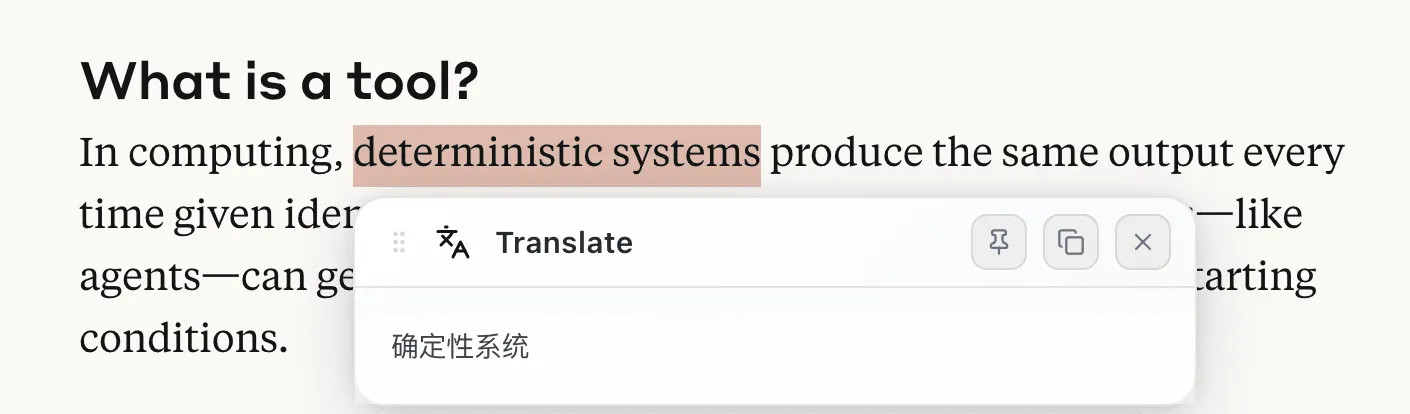
The original motivation was simple: I wanted a great select-translate tool. The options on the market were either tied to traditional translation APIs (like Google Translate) with underwhelming results, or they relied on LLMs but were too rigid or too expensive.
My need was straightforward: when reading English sites, if I run into a word or sentence I don’t understand, I want a short, accurate, no-fluff explanation with a quick select. That’s essentially one LLM call plus a good prompt. Since I couldn’t find it, I decided to “vibe code” one myself.
The journey
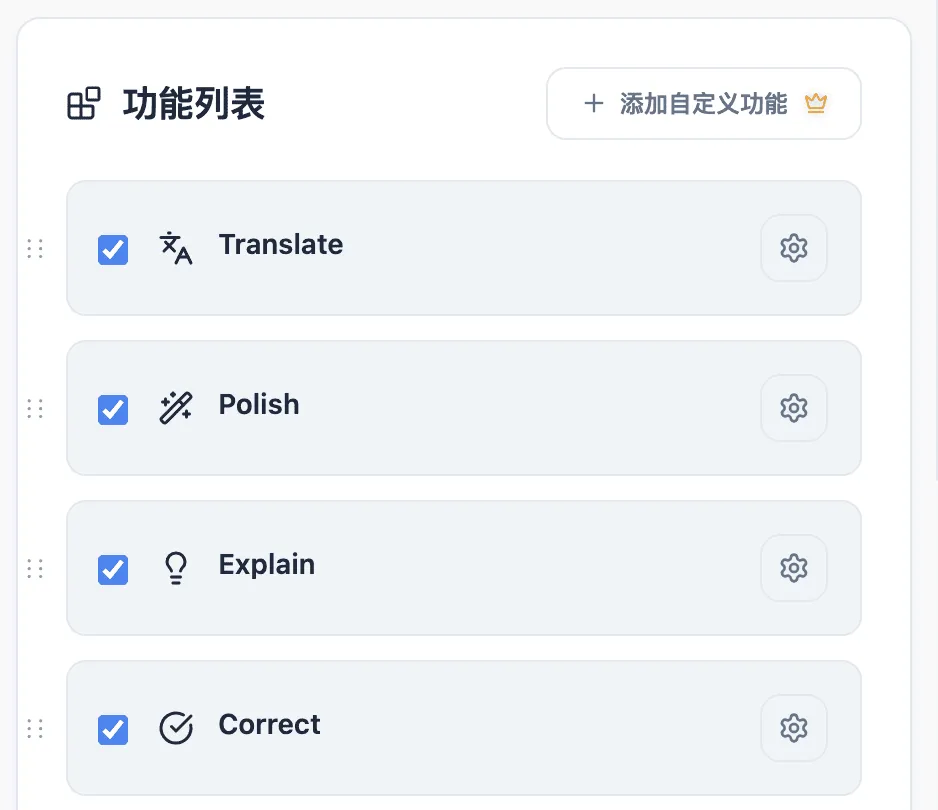
The translation feature came together quickly. But during the build, I realized “select + LLM” could do more: explain, polish, correct… If I already had one feature, why not add a few more? Even better, why not let users customize them? That’s how Selectly was born.

Selectly is positioned as an extensible toolset powered by “web select + AI.” Even though LLMs are entering daily life, the web selecting experience is still far from perfect.
So what can Selectly do?
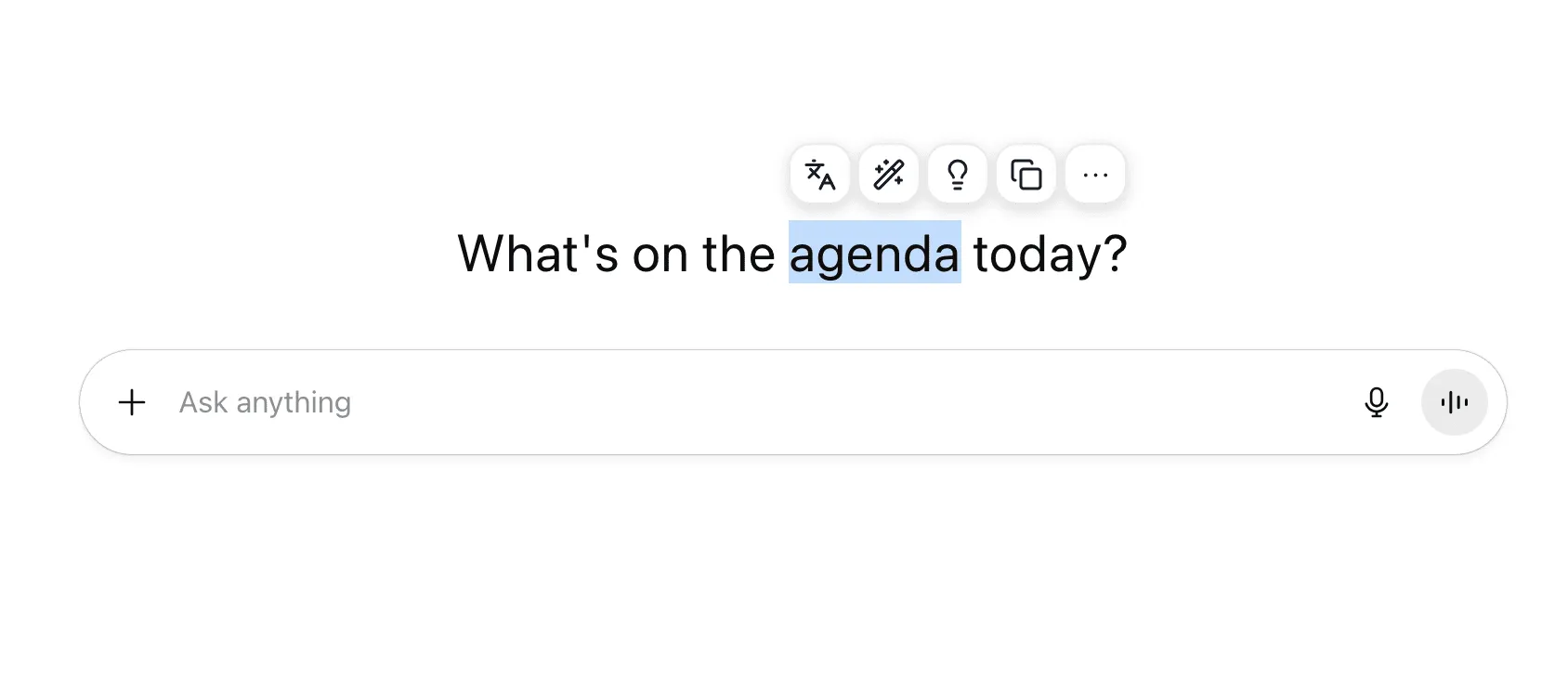
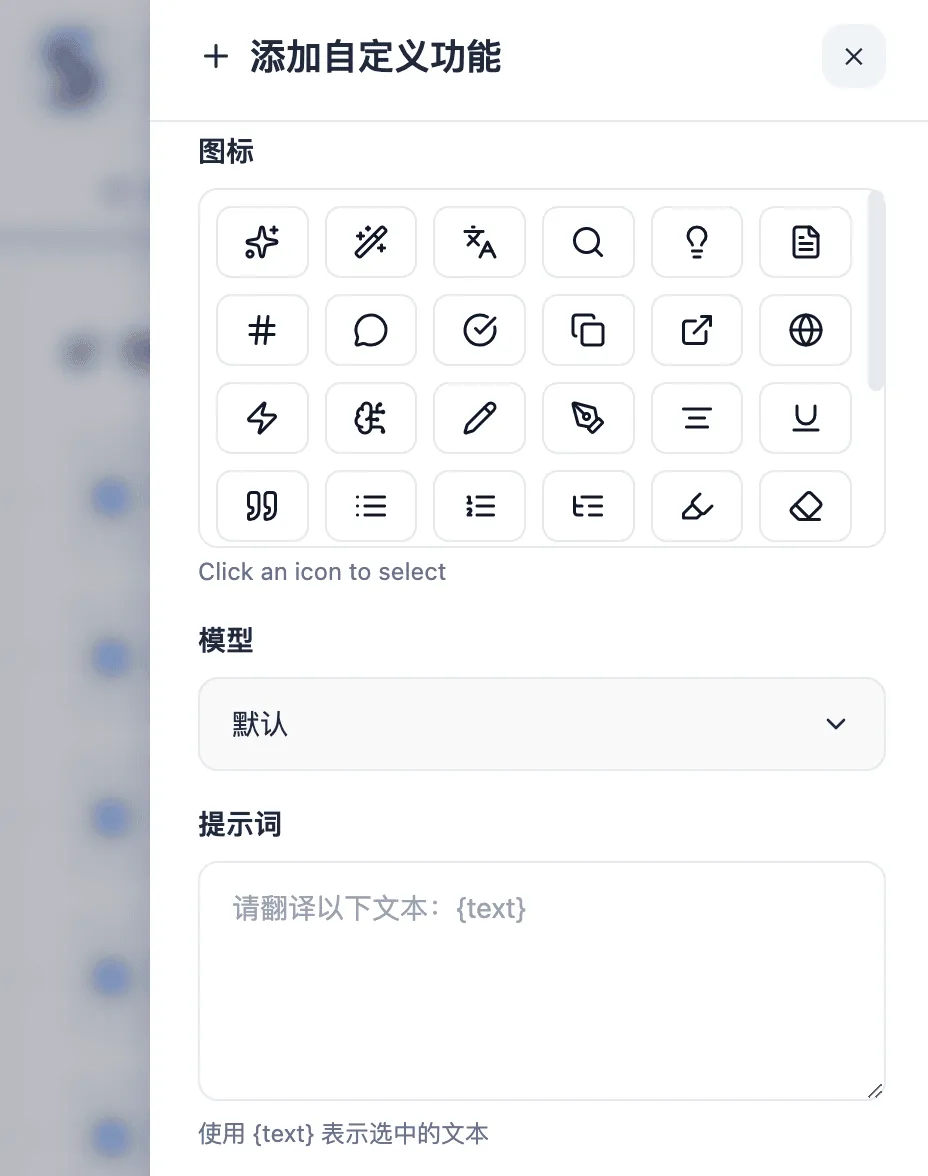
For LLM-powered features, it includes translation, polishing, explanation, and correction. These are basically different prompts and presentation styles. More importantly, Selectly lets users build their own modules: choose a model, write a prompt, and you’re done.
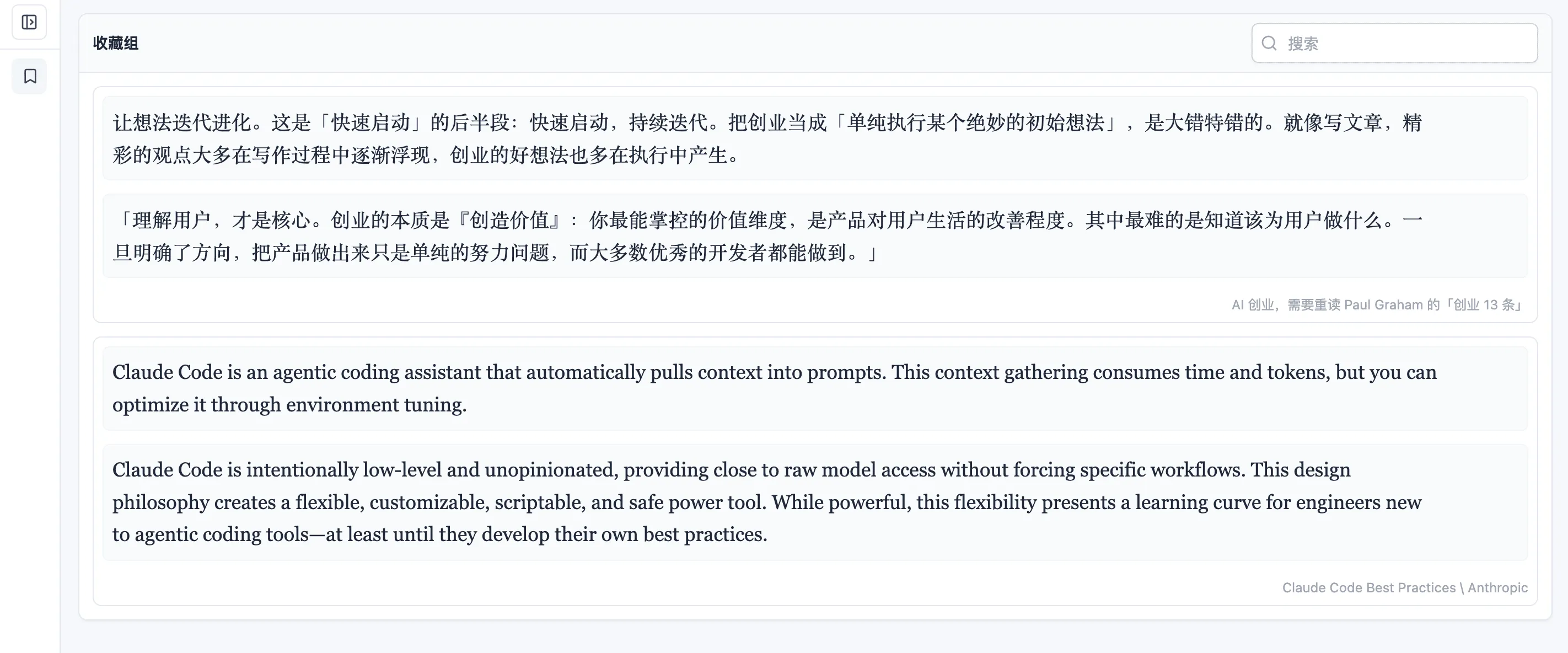
selecting also comes with long-standing basics like search, collection, and sharing. In the past, you’d need multiple extensions or accept a subpar experience. Since Selectly is designed as an all‑in‑one toolkit, these basics also needed to be polished.
For collection, we provide a content hub that automatically groups pages for easy review.
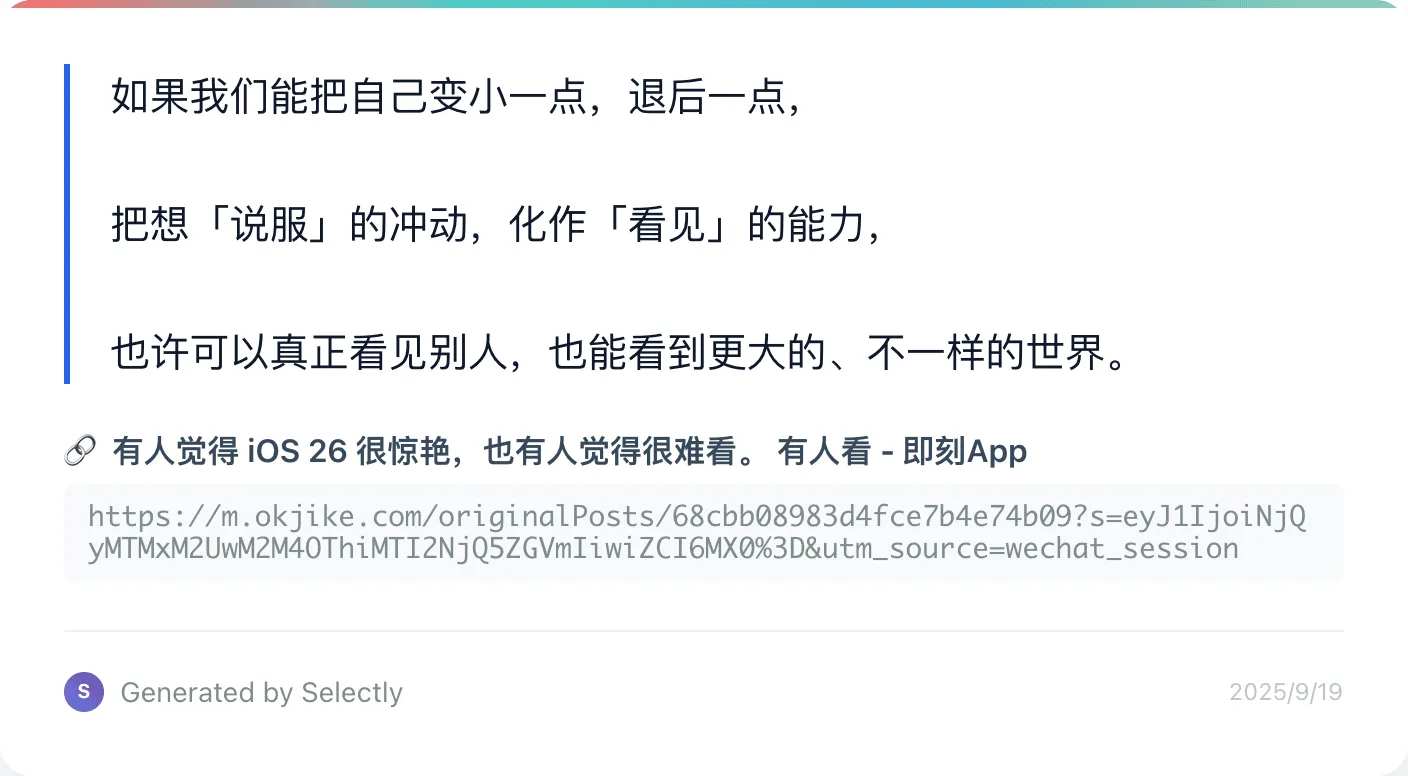
For sharing, once text is selected you can generate a shareable image with the page title and URL, then copy or download it.
With so many tools, popping everything up every time would be messy. So Selectly provides toggles, ordering, and collapse options so users can tailor the experience.
As for pricing, if you use your own model API key and do not require cloud-based data synchronization, Selectly is completely free—including translation, explanation, polishing, copying, search, navigation, sharing, bookmarking, and conversational features.
For users without their own API keys, Selectly also integrates paid model services with usage-based billing, offering transparent and affordable pricing.
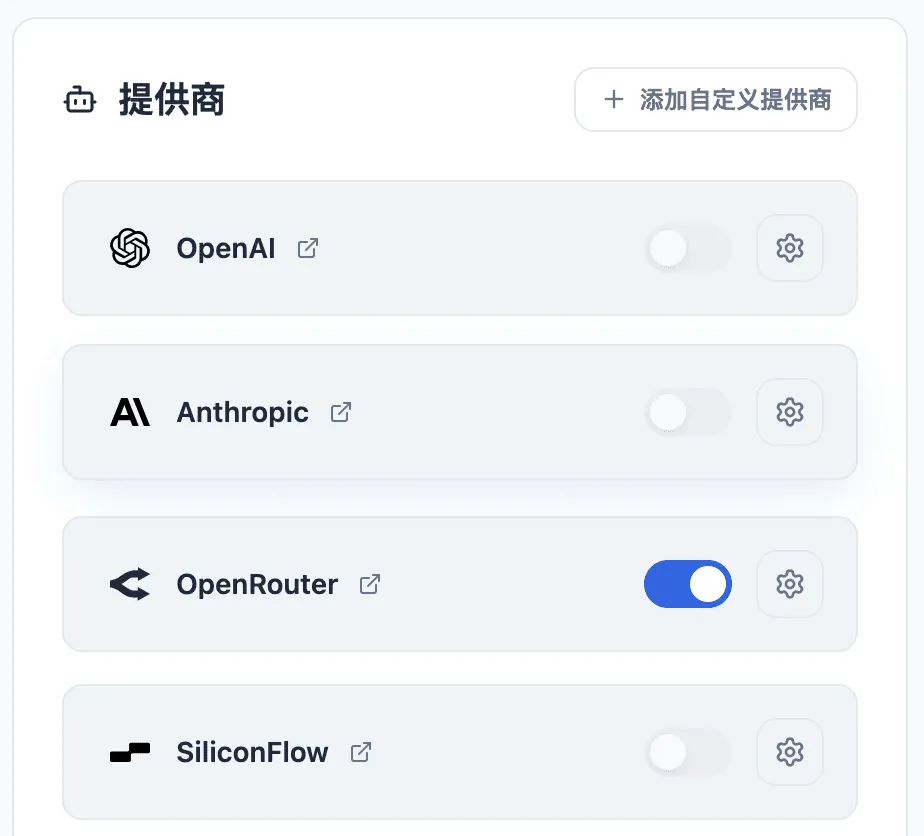
Currently, Selectly supports OpenAI, Anthropic, OpenRouter, SiliconFlow, Azure OpenAI, Ollama, as well as any provider compatible with the OpenAI API standard.
Outlook
Looking ahead, anything related to “web selecting” that users truly need can make its way into Selectly.
Notably, much of Selectly’s codebase was co-written by Claude Sonnet 4 and GPT‑5, with roughly 150 Copilot Premium requests along the way.
Try it out and share feedback 👉 https://selectly.app